
AI Scheduling for HVAC: Stop Losing Jobs to Voicemail
It is 97 degrees outside and your phone will not stop ringing
Peak season hits and your HVAC business goes from manageable to chaos in a single afternoon. The phone rings while you are on a roof. It rings while you are crawling through a crawl space. It rings while you are eating lunch for the first time today.
HVAC companies lose between $80,000 and $150,000 annually from poor scheduling alone. During a major heat wave, those losses can spike to $250,000 or more as call volume jumps 5 to 8 times its normal rate and manual scheduling falls apart.
AI scheduling for HVAC fixes this by handling the calls, booking the jobs, and routing your techs — automatically. No more double-bookings. No more leads that slip through the cracks at 9 PM. Here is how to set it up.
The HVAC scheduling problem
Scheduling is where money goes to die in most HVAC businesses. The work itself is profitable, but the logistics between jobs bleed revenue.
Seasonal surges overwhelm manual systems
Every HVAC contractor knows the pattern. January brings a cold snap and the phone explodes. July hits triple digits and it happens again. Your daily call volume can jump from 30 calls to 200 or more in a single day, and a dispatcher handling calls by hand cannot keep up.
The result: 40 to 50% of emergency calls get turned away during peak periods. Those are not price shoppers. Those are desperate homeowners ready to pay whatever it takes. They call your competitor instead.
Missed calls are not just annoying — they are expensive
According to data from over 1,200 contractors, the average small contracting business loses $45,000 to $120,000 per year to unanswered phone calls. For HVAC specifically, 45% of service calls are emergencies that happen outside business hours, each worth $450 to $800 in revenue.
That 9 PM call about a broken furnace in February is not going to wait until morning. If your voicemail picks up, the customer calls the next company on Google.
The workforce makes it worse
The HVAC industry faces a shortage of 110,000 technicians, with the average tech age hovering around 55. The Bureau of Labor Statistics projects 40,000 job openings per year through 2034, but there are not enough trained replacements entering the field.
You cannot hire your way out of the scheduling problem. You need every tech running at full efficiency, and that means smarter dispatching.
How AI dispatch works for HVAC
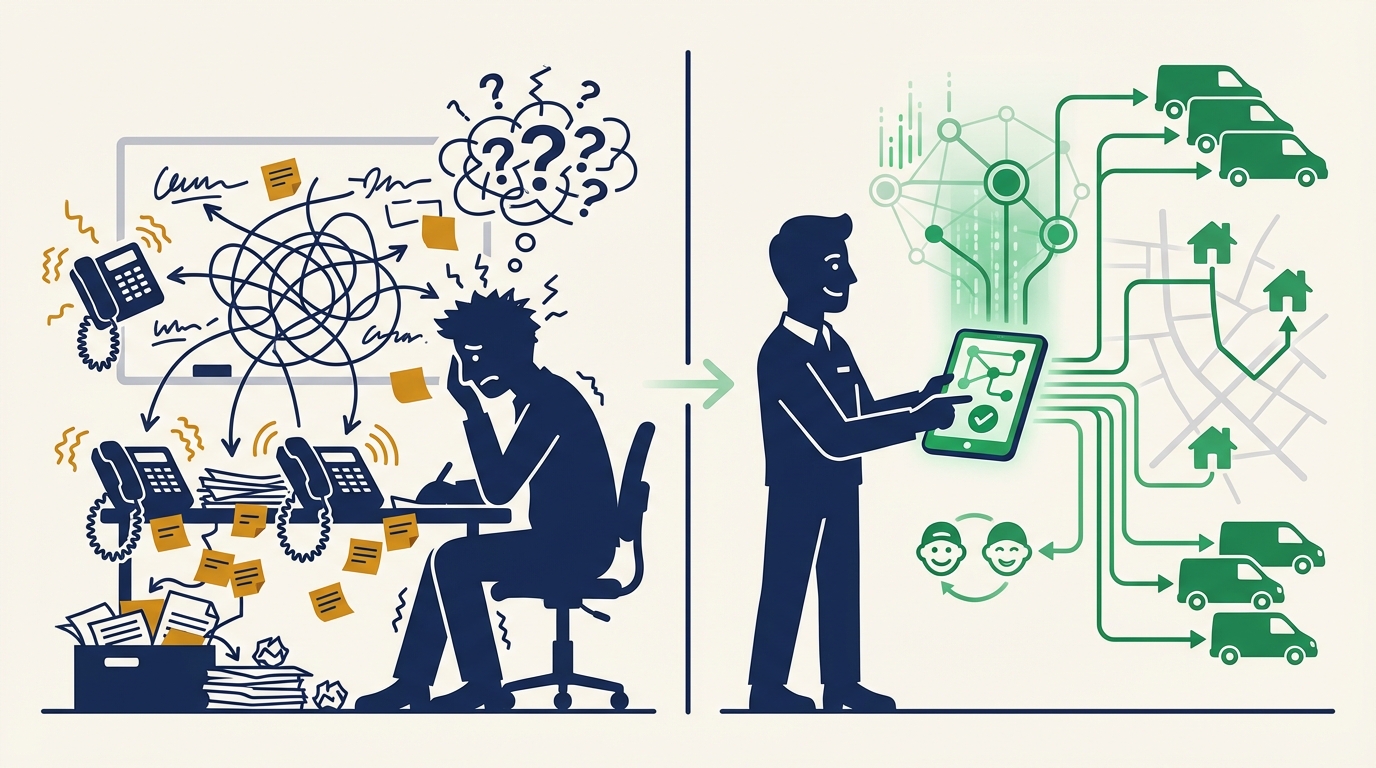
AI dispatch is not a fancy calendar app. It is an intelligent system that answers calls, qualifies jobs, matches them to the right technician, and optimizes routes — all without a human dispatcher sitting at a desk.
The workflow
- A customer calls or submits a request. The AI answers immediately. No hold time, no voicemail.
- It asks the right questions. Is the system not heating or not cooling? How old is the unit? Is anyone in the home vulnerable (elderly, infant)? This determines urgency.
- It checks availability. The AI looks at your techs’ schedules, current locations, skill sets, and drive times. It finds the best slot.
- It books and confirms. The customer gets a confirmation text with the tech’s name and arrival window. The tech gets the job details pushed to their phone.
- It handles the follow-up. Day-before reminders. Post-service review requests. Maintenance plan offers. All automatic.
The entire process takes about two minutes for the customer. On the backend, the AI replaces hours of manual dispatching.
What makes it different from scheduling software
Tools like ServiceTitan and Housecall Pro handle scheduling well, but they require someone to operate them. A dispatcher still has to answer the phone, enter the information, find an available tech, and assign the job.
AI dispatch handles the end-to-end process. The phone call, the data capture, the scheduling decision, and the customer communication all happen without human intervention. Your dispatcher (if you have one) can focus on complex jobs that need human judgment instead of routine bookings.
Setting up AI dispatch for your HVAC business
You do not need to rip out your existing systems. AI dispatch layers on top of what you already use.
Step 1: Map your service types and urgency tiers
Start by listing your common job types and their priority levels:
| Priority | Job types | Response target |
|---|---|---|
| Emergency | No heat, no AC, gas leak, water from unit | Same day / next 2 hours |
| Urgent | Weak airflow, unusual noises, thermostat failure | Within 24 hours |
| Standard | Tune-up, filter change, seasonal maintenance | Within 3-5 days |
| Scheduled | New install consultation, duct work estimate | Next available slot |
The AI uses these tiers to decide how to route each call. An emergency at 10 PM gets escalated to an on-call tech. A tune-up request gets slotted into the next available maintenance window.
Step 2: Set up your tech profiles
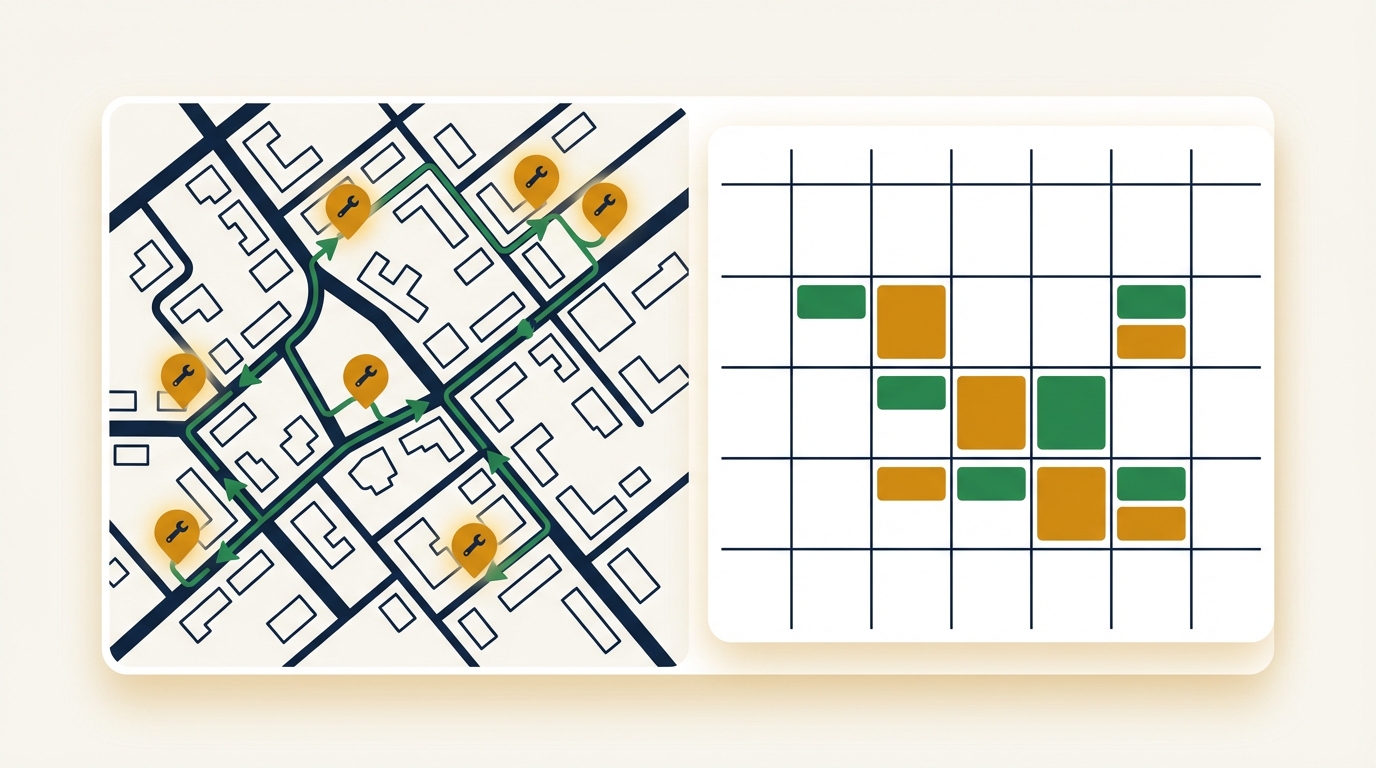
Each technician gets a profile with their skills, certifications, service area, and availability. This lets the AI make smart assignments:
- Skill matching — A residential AC install goes to a tech certified for that equipment, not the apprentice.
- Location awareness — The AI assigns the tech closest to the job site, reducing drive time.
- Workload balancing — No tech gets stacked with six jobs while another has two.
- Availability rules — Vacations, training days, and on-call rotations are built in.
Step 3: Connect your existing tools
Dispatch AI integrates with the systems you already use:
- Phone system — Forward your business line so unanswered calls route to the AI
- Calendar — Google Calendar, Outlook, or your field service platform
- CRM — Customer history carries over so the AI knows it is a returning customer
- Accounting — Job records flow into your invoicing system
Step 4: Configure your business rules
Set the rules that match how you run your business:
- Service area boundaries — Do not book jobs outside your coverage zone
- Minimum job value — Set a floor for emergency dispatch to protect margins
- Booking windows — Define how far out customers can schedule
- Escalation triggers — When should the AI call you directly instead of handling it?
Step 5: Test during a slow period
Go live on a Tuesday in the shoulder season, not during a heat wave. Run the AI alongside your current process for a week. Compare how it books versus how your dispatcher would have booked. Adjust the rules based on what you see.
Tip: Start with after-hours calls only. Let the AI handle evenings and weekends while your dispatcher handles daytime calls. This gives you a safety net while building confidence in the system.
What to expect in the first 30 days
The adjustment period is real, but the results come fast.
Week 1: Learning and calibration
The AI handles calls competently from day one, but the first week is about fine-tuning. You will review transcripts, notice questions it should be asking, and adjust the priority rules. Expect to spend 30 minutes a day reviewing and tweaking.
Week 2: Patterns emerge
You will start to see data you never had before: exactly when calls come in, which services are most requested, how many calls go unanswered, and which zip codes generate the most emergency requests. This data alone is worth the cost of the system.
Week 3: The team adjusts
Your techs will notice that their schedules make more sense. Less windshield time between jobs. Fewer surprises. The jobs they get match their skills. Some will love it immediately. Others will need a few weeks to trust the system.
Week 4: The numbers show up
By the end of the first month, most HVAC companies see:
- 30-50% reduction in missed calls — After-hours and overflow calls that used to hit voicemail now get answered and booked.
- 15-25% improvement in tech utilization — Smarter routing means more jobs per tech per day.
- 20-40% fewer no-shows — Automated reminders keep customers committed to their appointments.
- Measurable revenue recovery — Even capturing five extra jobs per week at $350 each adds $91,000 to your annual revenue.
Advanced features worth exploring
Once the basics are running, AI dispatch opens up capabilities that manual scheduling cannot match.
Route optimization
Instead of assigning jobs based on who is “next available,” the AI factors in drive time, traffic patterns, and job duration to minimize windshield time. For a company running eight trucks, saving 90 minutes per tech per day at $85/hour adds up to $265,000 in recovered productivity annually.
Predictive scheduling
The AI learns your seasonal patterns and starts pre-positioning resources before demand spikes. It can suggest staffing up on-call techs before a forecasted cold front, or proactively reach out to maintenance agreement customers before the summer rush.
Maintenance agreement automation
Recurring service plans become self-managing. The AI schedules tune-ups based on the agreement terms, sends reminders, and reboks if the customer needs to reschedule. No more spreadsheets tracking who is due for service.
Getting started
The HVAC industry’s scheduling problem is not going away. The technician shortage is getting worse. Call volume spikes are getting sharper. Customers expect faster response times every year.
AI dispatch does not replace your team — it makes your existing team dramatically more efficient. Your best techs do more jobs. Your customers get faster service. Your phone gets answered at 2 AM on a Saturday.
Dispatch AI is built specifically for field service businesses like HVAC contractors. It handles the calls, the scheduling, and the routing so you can focus on the work that earns your living. See how it works and set up a test run during your next shoulder season.
Your next emergency call is coming. Make sure you are ready for it.